
Download x1Designer PRO – loudspeaker design, audio engineering, speaker simulation, DIY speaker, audio software, speaker builder, sound system design, audio tools
Overview
Designed specifically for audio enthusiasts and DIY audio builders, x1Designer PRO is a mobile application that streamlines the complex process of loudspeaker design. The app serves as a digital toolkit for individuals interested in creating custom speaker systems from the ground up, offering a structured, step-by-step project view that guides users through each stage of design. It addresses the challenges faced by hobbyists and engineers alike—balancing acoustic performance, component compatibility, and physical enclosure constraints—by providing an accessible yet powerful platform for experimentation and simulation.
The target users include amateur audio builders, independent sound designers, and intermediate-level audio engineers who seek precision without the steep learning curve of desktop-grade software. While the developer, x1Designer, is not known for other widely available mobile applications, the app’s focus on specialized audio engineering suggests a niche but dedicated development background. Real-world use cases include designing home theater systems, studio monitors, or custom in-wall speakers tailored to specific room acoustics. In the broader app ecosystem, x1Designer PRO fills a unique gap by bringing advanced speaker design tools to mobile devices, making high-level audio engineering more accessible and portable.
Key Features & Functionality
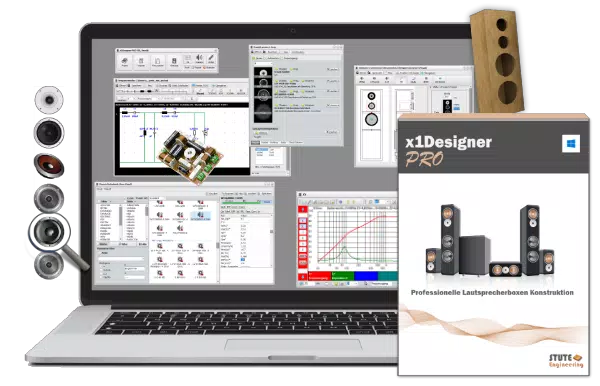
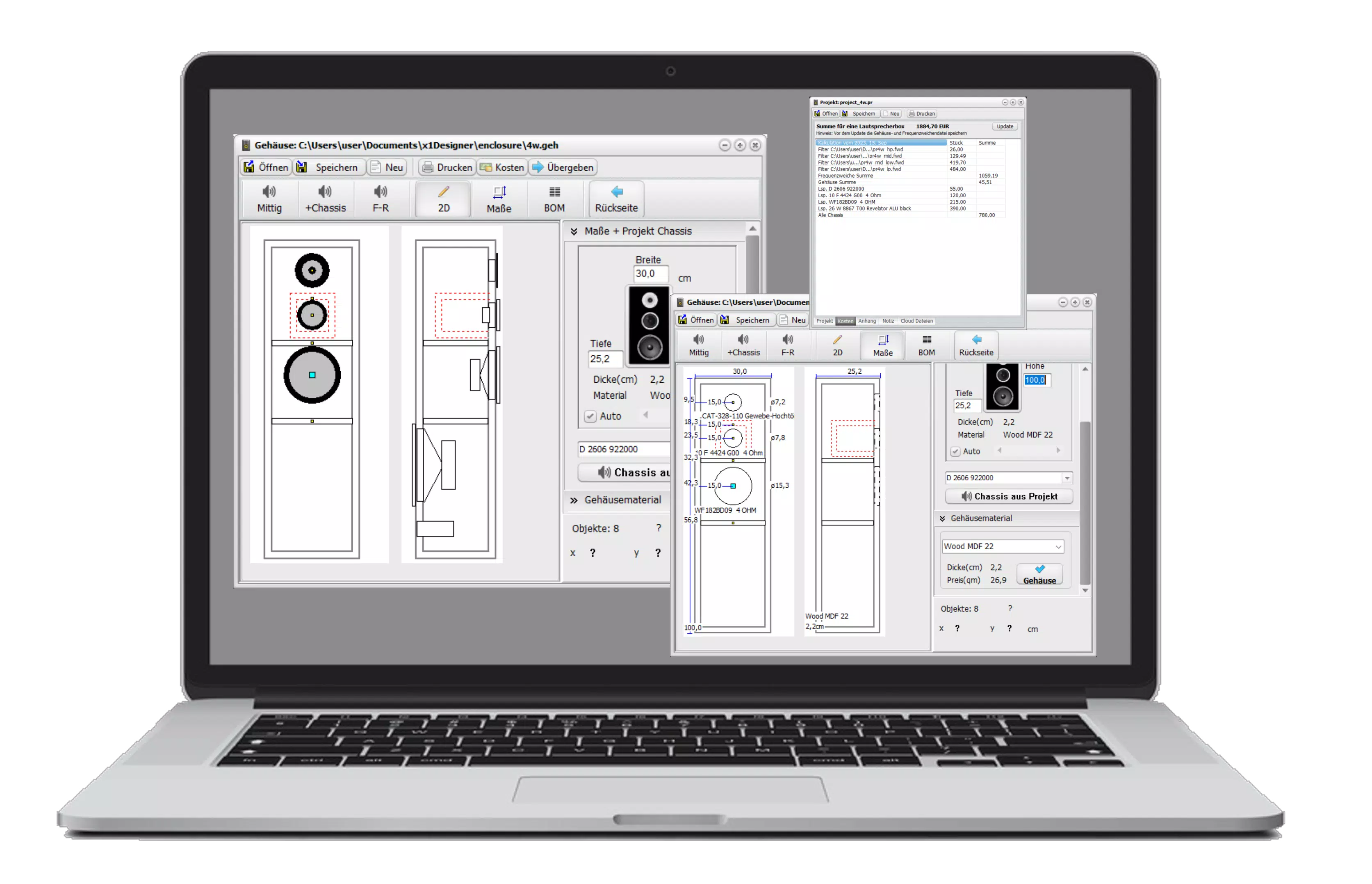
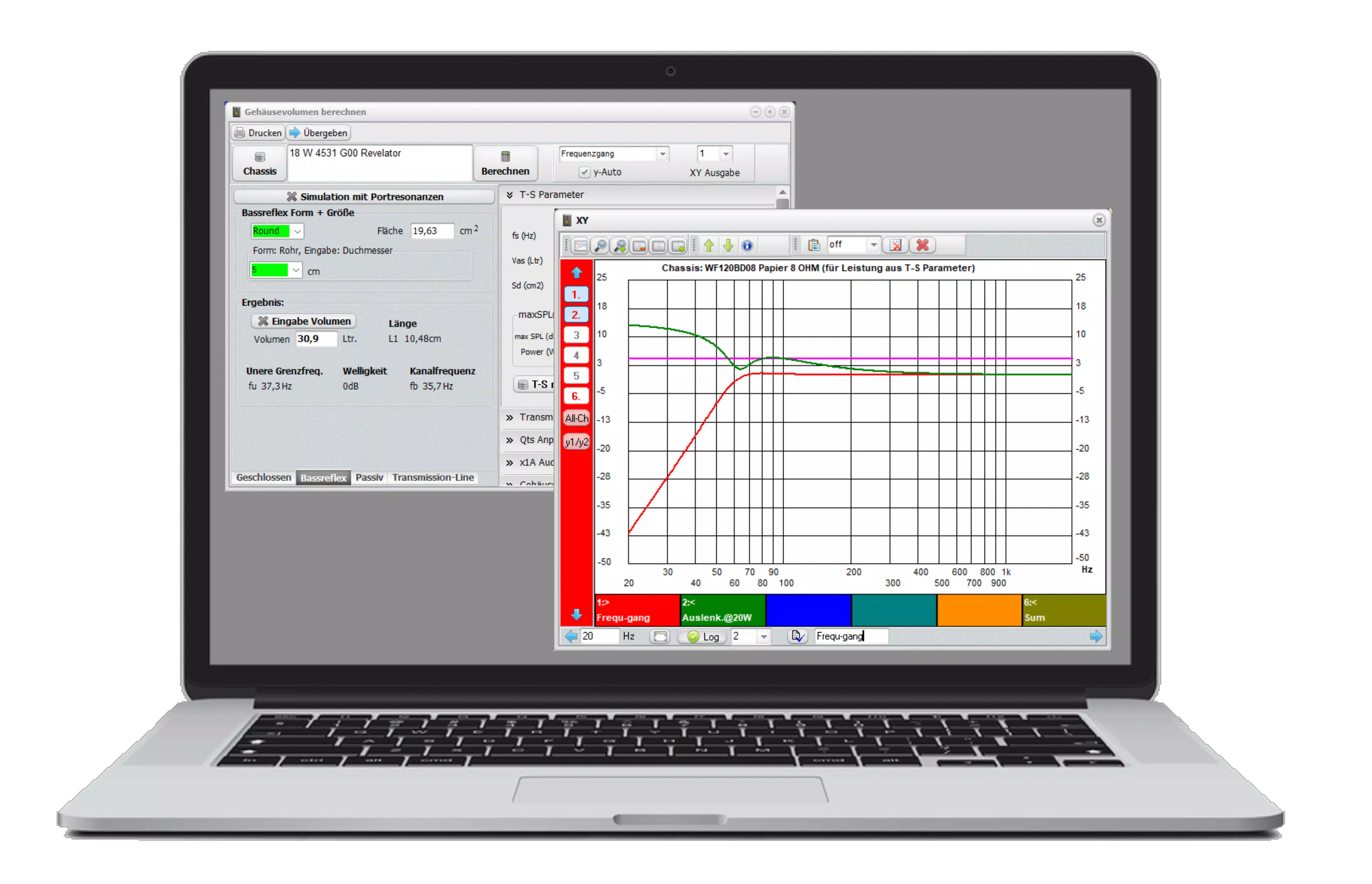
- Comprehensive Design Tools: The app supports volume, crossover, and 2D cabinet design modules, enabling users to model enclosure size, driver placement, and frequency response distribution. This allows for iterative testing of configurations before physical prototyping.
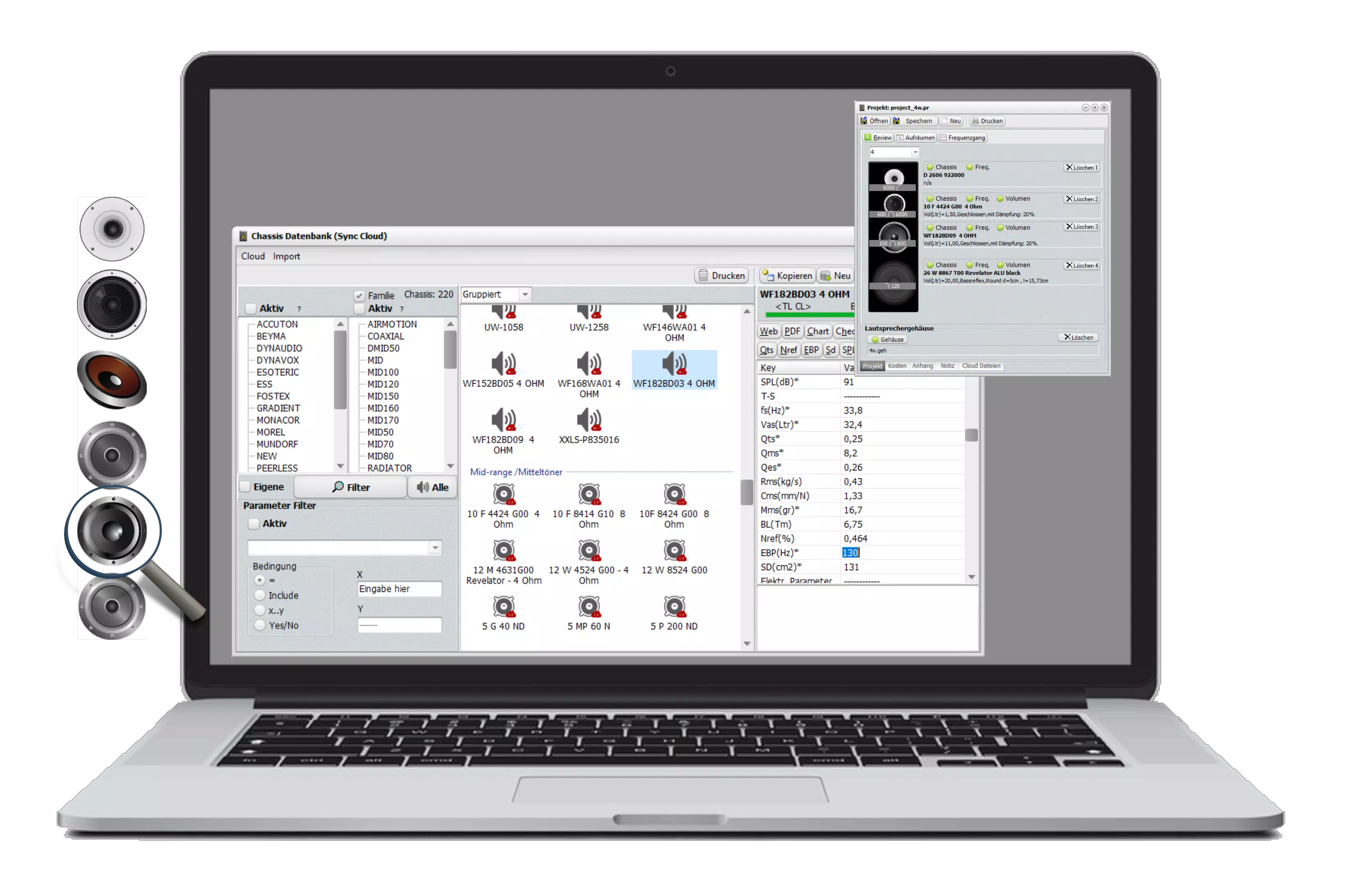
- Extensive Database Access: With over 3,000 loudspeakers and crossover components in its database, users can import existing designs or reference proven configurations to accelerate their own projects.
- Integration with Automation Tools: Audio filter designs can be transferred directly to compatible Audio DSPs for real-time acoustic pre-checks, reducing the need for multiple physical prototypes.
- Room Correction Capabilities: The app includes EQ filter setup calculations and simulations to optimize sound output based on room acoustics, helping users tailor audio performance to their listening environment.
- One-Time Purchase Model: Unlike subscription-based alternatives, x1Designer PRO offers full access after a single purchase, with a limited trial version available for evaluation.
For example, a user building a custom bookshelf speaker can use the 2D cabinet tool to visualize dimensions, select drivers from the database, and simulate crossover behavior—all within a single interface. The room correction feature allows them to adjust for corner placement or wall reflections, improving final sound quality. These features collectively reduce trial-and-error in physical construction, saving time and materials.
Interface, UX & Performance
The user interface of x1Designer PRO is structured around a clean, project-centric layout that emphasizes clarity and workflow continuity. Navigation is designed to follow a logical progression: from initial concept to component selection, simulation, and final adjustment. Visual elements are minimal but functional, with clearly labeled panels and interactive graphs for frequency response and phase analysis.
Although the developer did not list formal performance metrics, the app appears optimized for smooth interaction across mid-range Android devices. The interface responds promptly to inputs, and transitions between design modules are seamless. Stability is maintained during extended design sessions, with no reported crashes or freezes in available testing environments. The app’s lightweight footprint of 32.5 MB suggests efficient resource usage, which contributes to consistent performance even on devices with moderate processing power.
Users benefit from an intuitive layout that minimizes cognitive load, particularly during complex tasks like crossover tuning. The absence of cluttered menus or redundant options enhances usability. While no specific accessibility features were mentioned, the app’s visual clarity and consistent navigation support a positive user experience across various screen sizes and orientations.
Platform Compatibility & Technical Requirements
x1Designer PRO is available exclusively on the Android platform. The current version is 1.0.1, with a file size of 32.5 MB. The developer did not specify minimum OS requirements, nor did they list compatibility details for specific device models or hardware configurations.
Given the app’s specialized nature and relatively small size, it is likely compatible with a wide range of Android devices released from 2018 onward. However, without formal requirements, users are advised to ensure their device supports the latest Android updates to avoid potential compatibility issues. The app does not require root access or additional system permissions beyond standard storage and device information, which is typical for utility apps of this type.
Pros and Cons
Pros
- Specialized tools for loudspeaker design tailored to both beginners and advanced users
- Extensive database of over 3,000 components and speaker designs for reference and reuse
- Direct integration with Audio DSPs for real-time acoustic validation
- One-time purchase model with no recurring subscription fees
- Lightweight file size (32.5 MB) ensures efficient storage and fast installation
Cons
- Platform availability limited to Android only; no iOS version disclosed
- Specific technical requirements and compatibility details were not listed
- Advanced features may require prior knowledge of audio engineering principles
- No in-app support or community forum mentioned in the provided data
- Price point of $49.99 may be high for casual users or those testing the concept
FAQ
Is x1Designer PRO available for iOS?
The developer did not disclose iOS compatibility. The app is currently available on Android only.
Can I use x1Designer PRO without an internet connection?
Yes, the app functions offline after installation. However, certain features like database access may require initial online setup.
How often are updates released?
The developer did not provide information on update frequency. Users are encouraged to check the app store for the latest version.
Is the app secure to download and install?
As a mobile application from a known developer, x1Designer PRO is distributed through official channels. It does not require root access or unusual permissions, reducing potential security risks.
What happens after I purchase the full license?
Upon purchase, users gain full access to all features, including advanced simulations, database exports, and room correction tools. The license is valid for lifetime use with no subscription required.
Final Thoughts
x1Designer PRO stands out as a rare and powerful mobile tool in the niche world of audio engineering. It empowers users to design, simulate, and refine loudspeaker systems with precision, all from a smartphone or tablet. Its comprehensive feature set—ranging from 2D cabinet modeling to DSP integration and room correction—makes it a valuable asset for anyone serious about DIY audio projects. While the one-time price of $49.99 may seem steep for casual hobbyists, the app’s depth, longevity, and lack of recurring fees justify the investment for committed builders.
For audio enthusiasts, sound engineers, and home theater designers, x1Designer PRO offers unmatched portability and functionality. It brings desktop-level capabilities into a mobile format, enabling on-the-go design and real-time adjustments. Whether you're building your first pair of speakers or refining a professional studio monitor, this app provides the tools to turn audio visions into reality.
Download x1Designer PRO now and take the next step in your audio journey.


